
3.1



Information
Version
1.21.132.1
Size
98 MB
Last Update
Feb 13, 2026
Screenshots
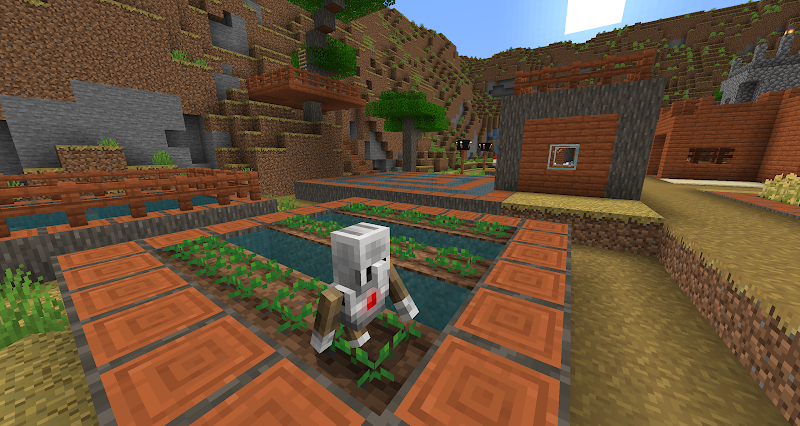
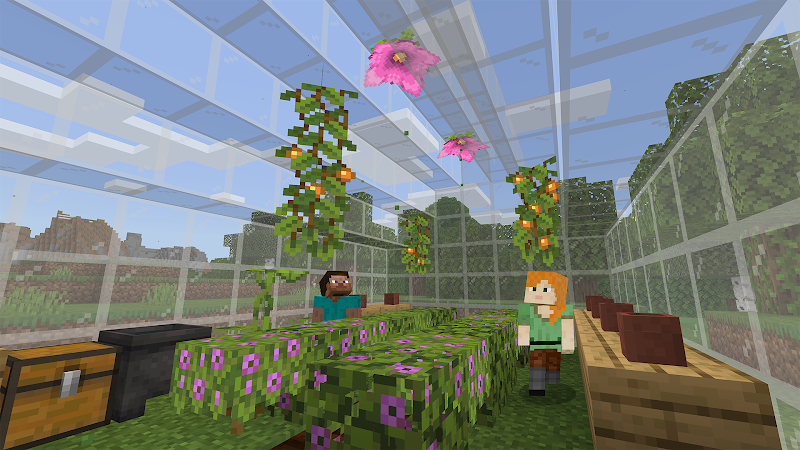
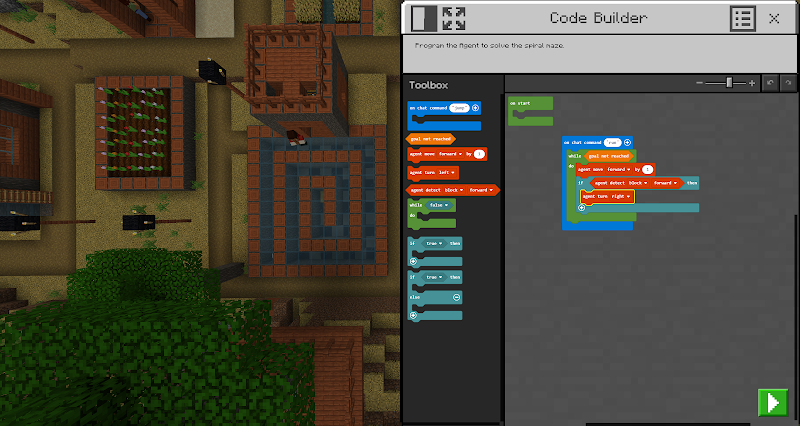
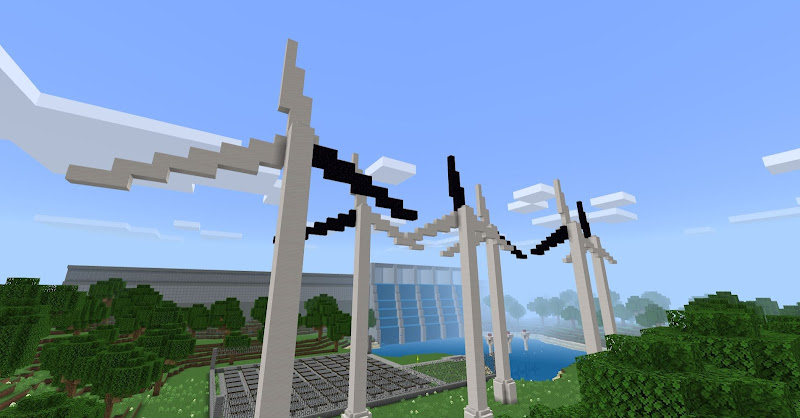
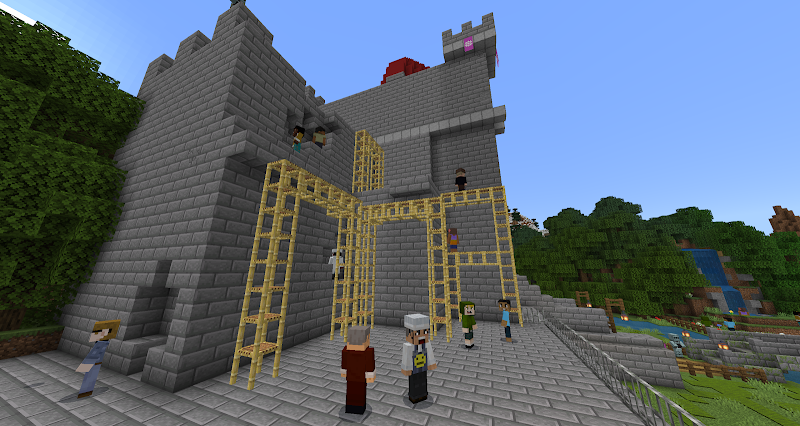
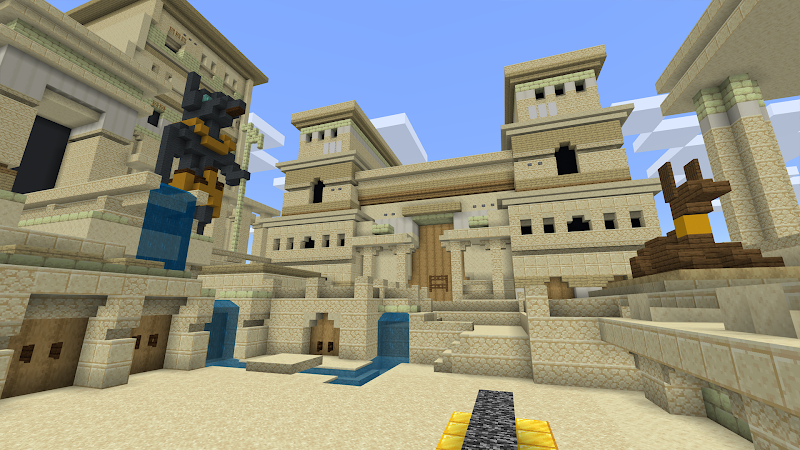
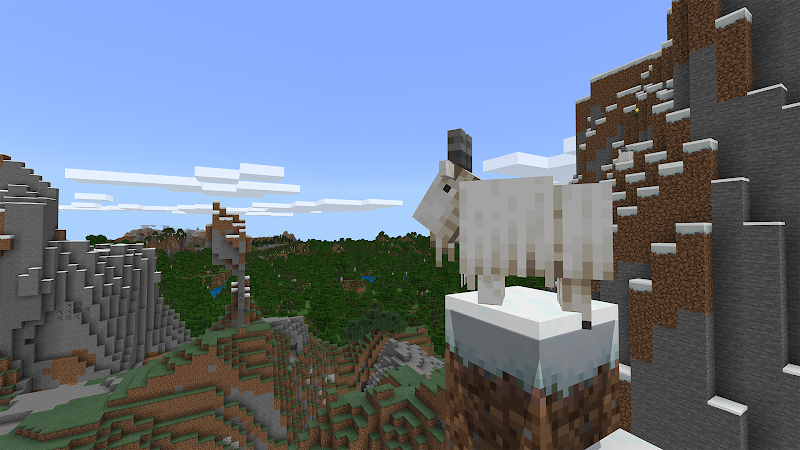
About
What is Minecraft Education?
Minecraft Education is an educational adaptation of the classic Minecraft game, specifically designed for use in the classroom, distance learning settings, or even at home. The app combines the familiar block-building gameplay of Minecraft with structured learning objectives to cover a variety of subjects, from math and science to history and language arts. The app is specifically designed to support active learning, where students are encouraged to explore, build, and solve problems in a virtual world.
Key Features of Minecraft Education
Lesson Plans and Resources: Minecraft Education comes with an extensive library of lesson plans and educational resources. These lessons cover a variety of subjects and grade levels and are aligned with educational standards, making them easy for educators to integrate into existing curricula. Teachers can choose from pre-made lessons or customize their own to meet specific learning objectives.
Classroom Collaboration: The app allows students to collaborate in real-time in a shared virtual environment. Up to 30 students can join a single session, allowing them to collaborate on projects, explore historical sites, or solve complex puzzles. This feature is highly effective in developing teamwork and communication skills among students.
Coding and STEM Learning: Minecraft Education integrates coding and STEM (Science, Technology, Engineering, and Math) learning into its gameplay. The Code Generator tool allows students to learn coding by creating programs that interact with the Minecraft world. They can use block-based coding or JavaScript to automate tasks and solve in-game challenges, making it an excellent tool for introducing programming concepts in a fun and accessible way.
Immersive Learning Experience: The app provides a unique and immersive learning experience by allowing students to visualize complex concepts. Whether recreating historical events, understanding geological formations, or experimenting with physics, Minecraft Education makes learning interactive and hands-on.
Secure and Easy to Manage: Minecraft Education supports secure sign-in with Microsoft 365 Education accounts, ensuring a safe and secure environment for students. Educators have access to a variety of administrative tools to manage classes, monitor student progress, and effectively control the learning environment.
Accessibility Features: Designed to be inclusive, Minecraft Education offers a variety of accessibility options such as text-to-speech, multiple language support, and adjustable difficulty levels. This ensures that students of all abilities can fully participate in the learning experience.
Pros and Cons of Minecraft Education
Pros:
Engages Students Effectively: The game-based format engages students, making learning fun and engaging.
Supports Different Learning Styles: Minecraft Education’s flexibility allows it to meet a variety of teaching methods and student needs.
Encourages Critical Skills: The app fosters critical thinking, creativity, collaboration, and digital literacy skills.
Cons:
Requires Adequate Resources: To fully utilize the app, students and teachers need reliable internet access and compatible devices, which may not be available in all educational settings.
Initial Learning Curve: Educators new to Minecraft may need time to understand the app’s features and effectively integrate it into their teaching methods. Risk of Distraction: The engaging nature of the game can sometimes distract students from the primary learning objectives.
Tips for Educators
To get the most out of Minecraft Education, here are some tips:
Start with Simple Lessons: Begin with simple, pre-made lesson plans to familiarize yourself with the app environment.
Use Community Resources: Take advantage of online resources, tutorials, and community support to learn best practices and gather new ideas.
Set Clear Goals: Clearly outline the objectives of each session to ensure students understand the purpose behind their activities.
Encourage Creativity and Exploration: Give students the freedom to explore and build, which fosters curiosity and creativity.
Conclusion
Minecraft Education provides a dynamic and engaging platform for students to learn in new and creative ways. Its combination of interactive gameplay, collaboration tools, and educational resources makes it an invaluable tool for educators worldwide. While it may require an initial investment of time and resources, the benefits of using Minecraft Education in the classroom are significant. Whether used for coding, problem-solving, or collaborative projects, this app offers endless possibilities for making education engaging and meaningful.
Other you may like
Texture Packs for Minecraft PE
Addons and Mods for Minecraft

Furniture Mod For Minecraft
Mods / Addons PE Studio
Addons for Minecraft Mods
Addons and Mods for Minecraft
Golem mod for minecraft
qsty apps
Language Game – LangLandia
Language Unlimited LLC
Herobrine Mods for Minecraft
Critical Principle Activity
Seeds for Minecraft PE
Addons and Mods for Minecraft
House Mods for Minecraft
Critical Principle Activity
Ratings & Reviews
3.1

412300 Ratings
5
4
3
2
1
Comments

0 COMMENTS
×
![icon]()
APKHIJAU.APP
APKHIJAU.APP
APKHIJAU.APP
APKHIJAU.APP
APKHIJAU.APP
APKHIJAU.APP
APKHIJAU.APP
APKHIJAU.APP
APKHIJAU.APP
APKHIJAU.APP


Herobrine Mods for Minecraft
Free
Critical Principle Activity
Addons for Minecraft Mods
Free
Addons and Mods for Minecraft
Golem mod for minecraft
Free
qsty apps
Parkour for Minecraft
Free
qsty apps
HD Skins Editor for Minecraft
Free
Crone
Furniture Mod For Minecraft
Free
Mods / Addons PE Studio
Armor for Minecraft
Free
qsty apps
Addons for Minecraft
Free
Kayen Works
House Mods for Minecraft
Free
Critical Principle Activity
Master for Minecraft Mods
Free
Addons and Mods for Minecraft
Minecraft Education
Free
Mojang
Portal Gun Mod For Minecraft
Free
qsty apps